
Download Quitometro – quit smoking, smoking cessation, track progress, health improvement, financial savings, community support, personal profile, quit journey, monitor smoking, stop smoking
Overview
Quitometro is a dedicated mobile application designed to support individuals on their journey to quit smoking. The app serves as a comprehensive tool for tracking both the health and financial benefits of smoking cessation, helping users stay motivated through measurable progress. By allowing users to create personalized profiles, Quitometro enables individuals to log their quitting date, daily cigarette consumption, and the cost per pack. This data is then used to generate real-time insights into how long they’ve been smoke-free and how much money they’ve saved. The app is particularly valuable for those seeking a structured, self-guided approach to quitting, offering both personal accountability and a sense of achievement with every milestone reached.
Target users include adult smokers aiming to quit, individuals managing nicotine dependency, and those looking to improve their long-term health and financial well-being. The app also supports users who wish to track the progress of family members or friends, making it a helpful tool for supportive networks. Real-world use cases include daily check-ins, goal setting, and sharing achievements in a community setting. Given its focus on measurable outcomes and social engagement, Quitometro fills a meaningful gap in the health and fitness app ecosystem by combining personal tracking with peer support.
Key Features & Functionality
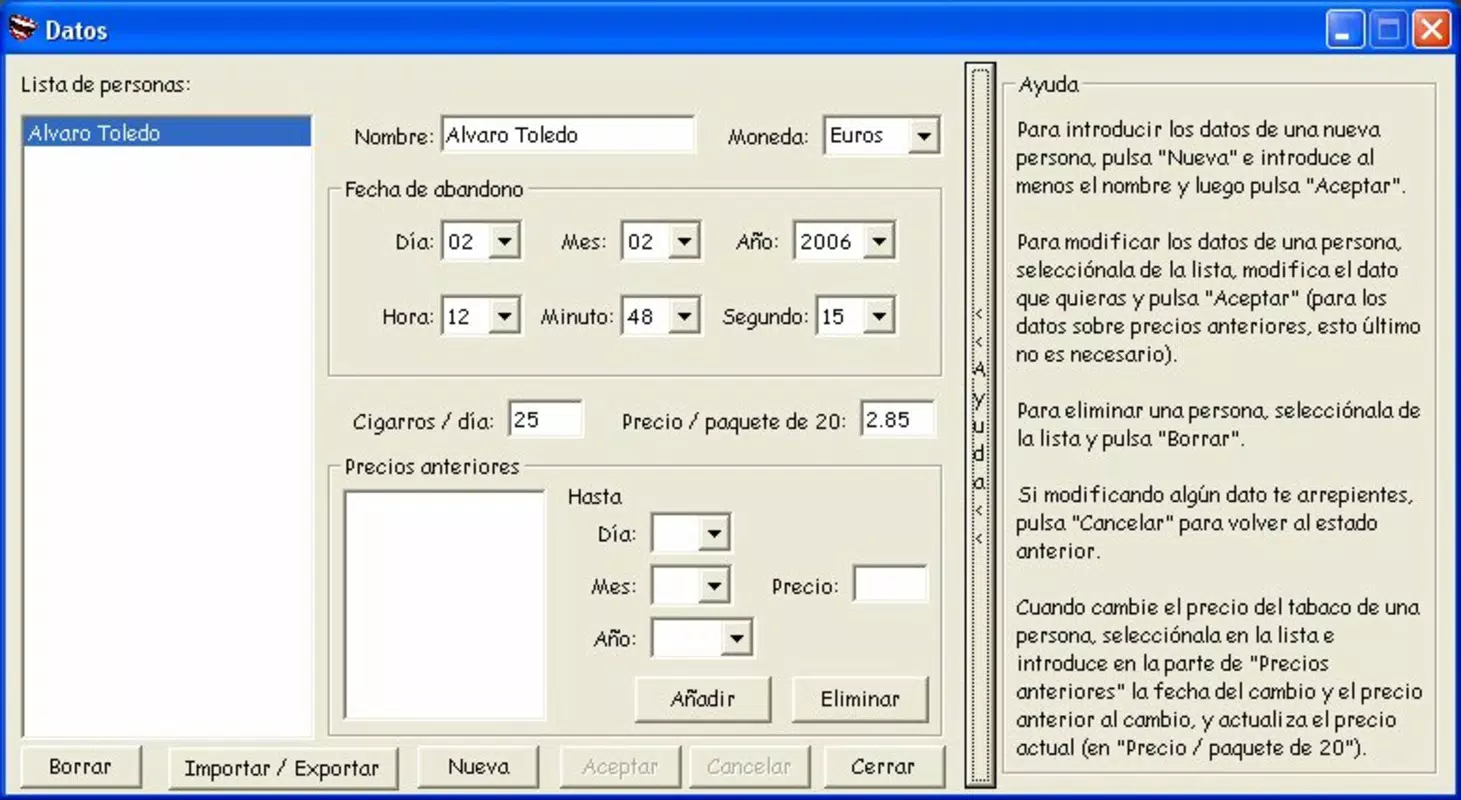
- Personalized Profiles: Users can create individual profiles to track their own quitting journey or monitor others, such as family members. This feature supports multiple users within a single account, enhancing its utility for caregivers or supportive partners.
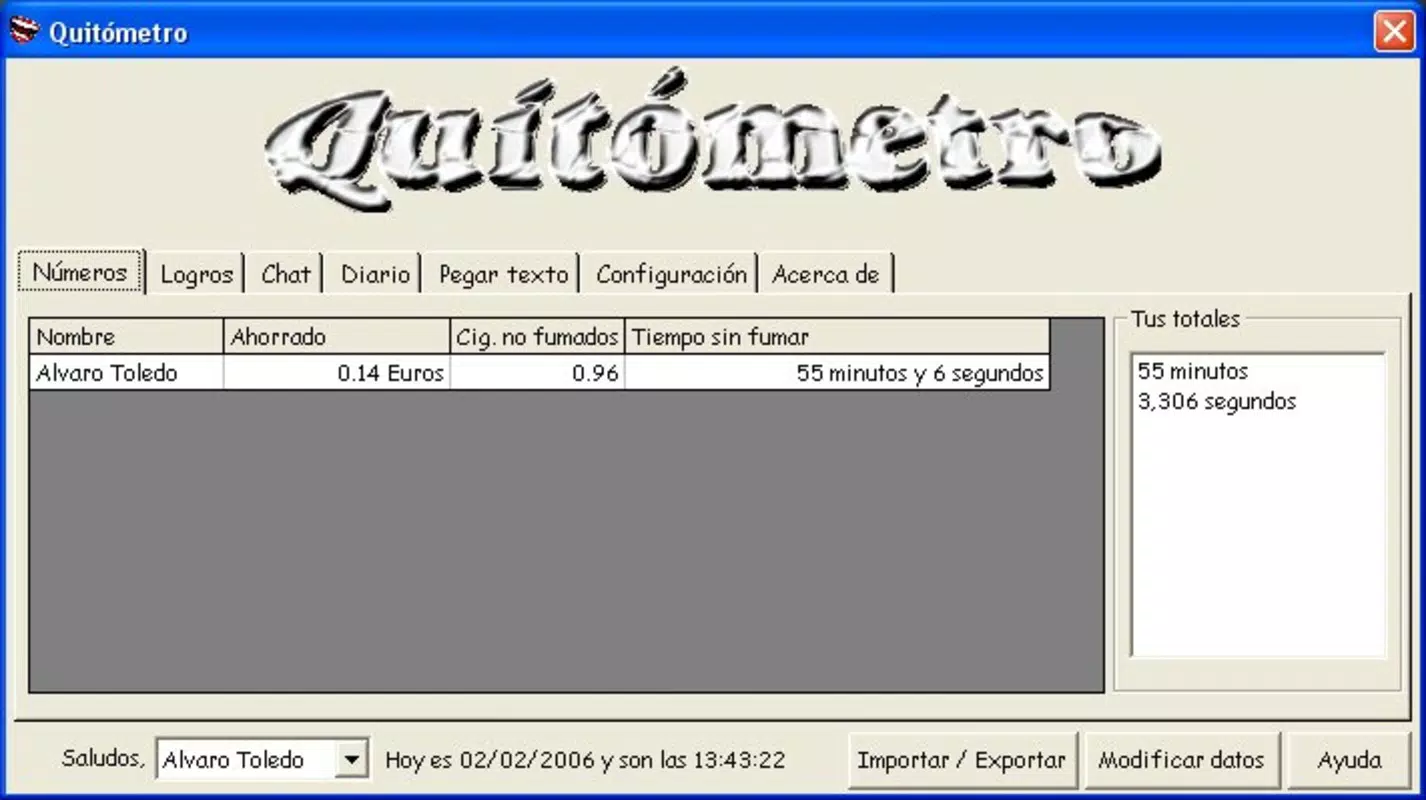
- Progress Tracking: The app maintains a continuous log of smoke-free days and calculates cumulative financial savings, providing users with tangible evidence of their progress.
- Health and Economic Reports: Periodic reports summarize improvements in health metrics and the total amount saved, offering a clear visual representation of the benefits of quitting.
- Exclusive User Chat Room: A built-in chat room allows users to connect, share experiences, exchange tips, and offer encouragement, fostering a supportive community environment.
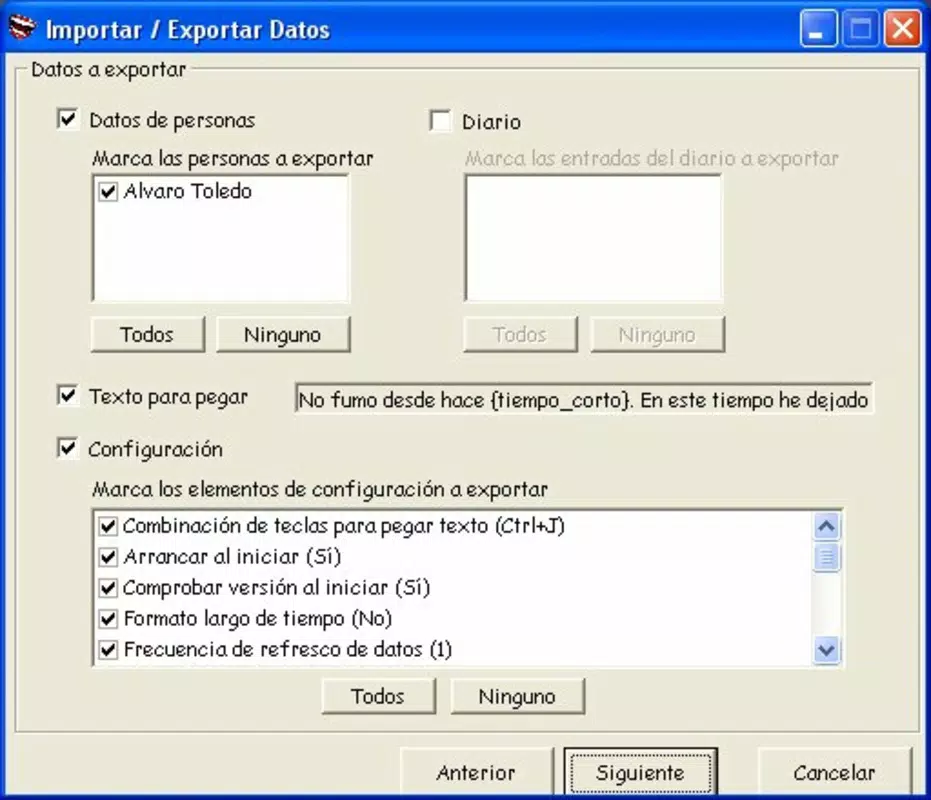
- Easy Data Input: Simple input fields for quitting date, average daily consumption, and pack price ensure accessibility for users of all technical skill levels.
For example, a user who quits on January 1st and smokes 15 cigarettes daily at $8 per pack can immediately see how many days they’ve been smoke-free and how much money they’ve saved each week. These insights help reinforce positive behavior and maintain motivation. The chat room becomes especially valuable during challenging moments, offering real-time peer support and reducing feelings of isolation.
Interface, UX & Performance
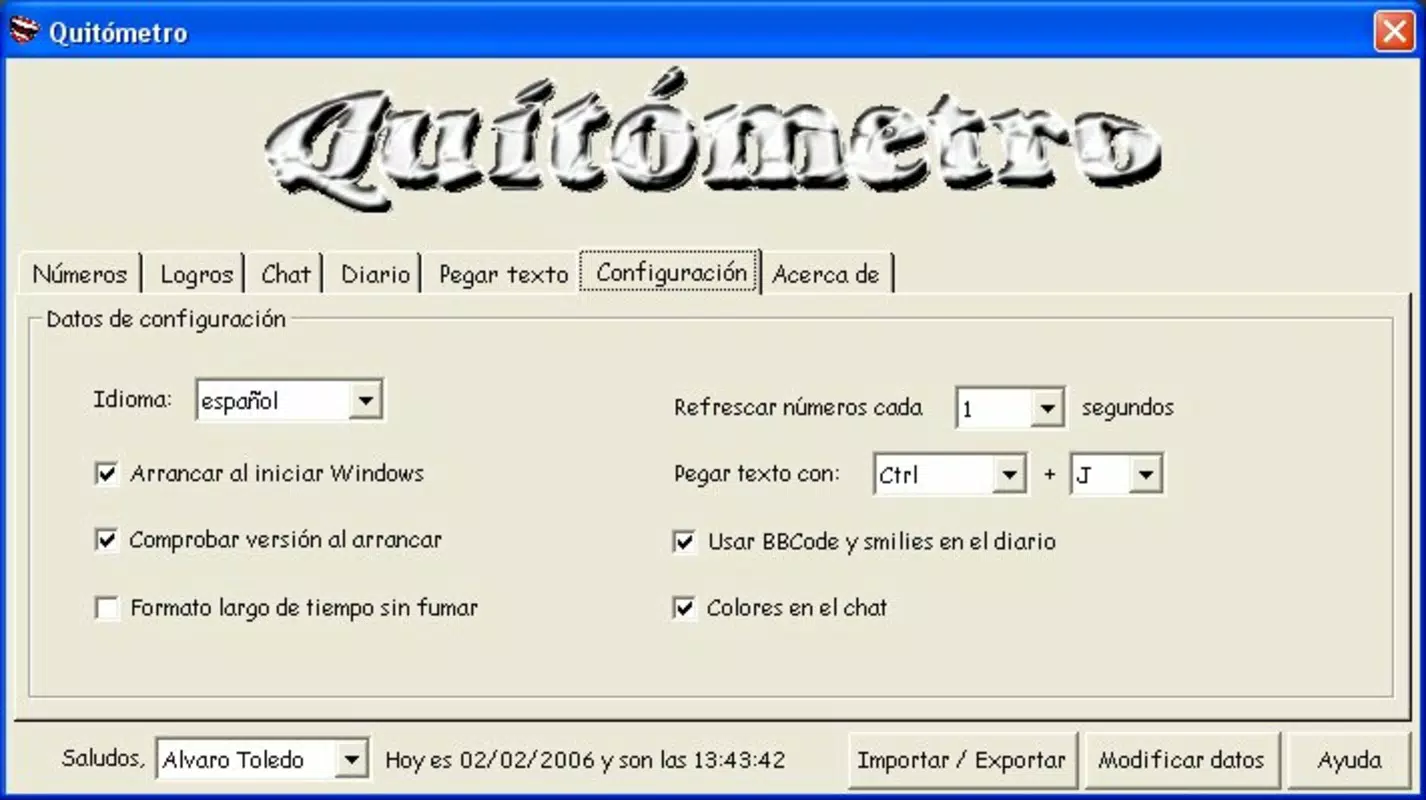
Quitometro features a clean, minimalist interface that prioritizes usability and clarity. The layout is intuitive, with key metrics displayed prominently on the home screen, including smoke-free days and total savings. Navigation is straightforward, relying on a bottom tab bar for access to profile settings, progress tracking, reports, and the chat room. Visual elements are simple and functional, avoiding unnecessary animations that could affect performance.
Although the developer did not list formal performance metrics, the app’s lightweight design—just 10.2 MB—suggests efficient resource usage. It is likely optimized for a wide range of Android devices, including older models. Responsiveness appears consistent, with minimal lag during data entry and navigation.
Stability is maintained through regular updates, though specific update frequency was not disclosed. The app does not require excessive permissions, aligning with privacy-conscious design principles. Overall, the user experience is smooth and focused on core functionality without distractions.
Platform Compatibility & Technical Requirements
Quitometro is available exclusively on the Android platform. The current version is 1.2, with a file size of 10.2 MB. The app is free to download and use.
Specific requirements such as minimum OS version or device specifications were not listed by the developer. The developer did not specify minimum OS requirements. Compatibility with different Android device categories, including low-end and mid-range models, is assumed based on the app’s lightweight nature.
However, formal compatibility details were not fully disclosed.
Pros and Cons
Pros
- Simple, intuitive interface ideal for users of all tech levels
- Free to download and use with no in-app purchases
- Effective tracking of health and financial progress
- Supportive community via an exclusive chat room
- Lightweight design with minimal storage usage
Cons
- Platform availability limited to Android only
- No information provided on minimum OS version or device compatibility
- Developer did not disclose update frequency or future feature roadmap
- Community features may vary in activity depending on user engagement
- Limited customization options for profile settings
FAQ
Is Quitometro safe to use?
Yes, the app is free from known security risks. It does not request sensitive permissions and operates without requiring personal data beyond what is necessary for tracking.
Can I use Quitometro on iOS devices?
Currently, Quitometro is only available on Android. There is no official iOS version released as of the latest update.
How often should I update the app?
While the developer did not specify update frequency, users are encouraged to install updates when available to ensure access to the latest features and security patches.
Is my data secure within the app?
Quitometro does not store user data on external servers. All information is retained locally on the device, reducing exposure to external data risks.
Can I track multiple people’s quitting journeys?
Yes, the app allows users to create multiple personalized profiles, making it possible to monitor the progress of family members or friends.
Final Thoughts
Quitometro stands out as a focused, user-friendly tool for anyone committed to quitting smoking. Its blend of personal tracking, financial insight, and community support creates a holistic experience that goes beyond simple habit logging. The app’s minimalist design and low resource usage make it accessible to a broad audience, while its emphasis on real-world benefits—both health and economic—provides consistent motivation. Although limited to Android and lacking detailed technical disclosures, Quitometro delivers clear value for users seeking a structured, supportive path to smoking cessation. For those ready to take control of their health and finances, this app offers a reliable companion.
Download Quitometro now


